OpenCV Test App
An Android app for trying OpenCV image‑processing algorithms on the phone — from the camera or the gallery. Built as a sandbox while learning the OpenCV Android SDK.
Step 1Define
What It Had to Do
- InputA still photo from the camera or the gallery, or the live camera feed
- ChoicePick which algorithm to run from the main screen
- StandaloneRun OpenCV without asking the user to install OpenCV Manager
- DevicesAndroid API level 15 and up
Step 3Build
The App
The main screen has a spinner to choose an algorithm and a toolbar to load a picture. OpenCV 3.2.0 is bundled (Java bindings + native libraries) and loaded at runtime, so no separate OpenCV Manager install is needed. Targets compileSdk 25 / minSdk 15.
Canny Edge Detection
Two variants of the same operation — grayscale, then Imgproc.Canny(gray, out, 50, 150):
- Canny Photo — on a still image, run on a background thread.
- Canny Video — the same, per frame, on the live camera feed.
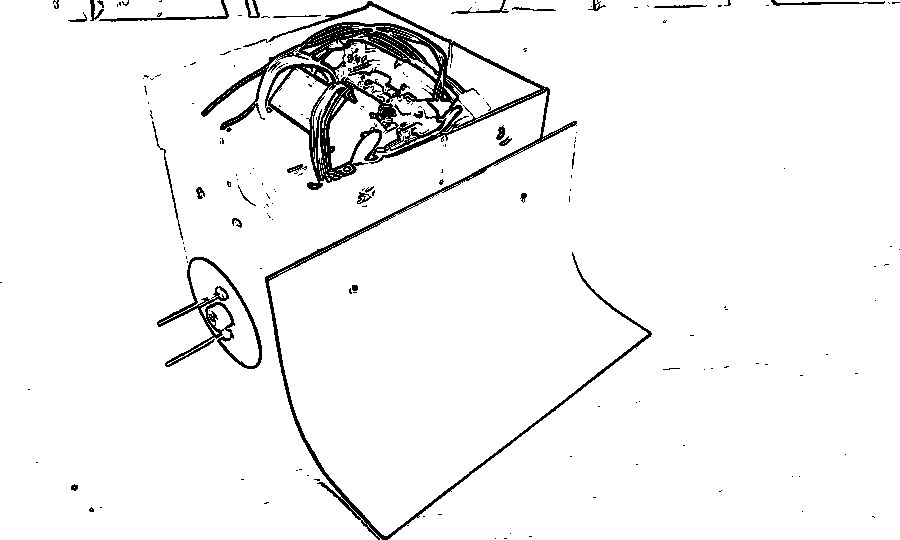
The edge‑detection stage, run here on a sample photo.
Document Scanner
Scanner.java finds a page in a photo and flattens it to a clean rectangle:
- Downscale to about 320×240 and Gaussian‑blur.
- Find the page outline — Canny, then
findContours, and keep the largest‑area contour (assumed to be the page). - Find the corners —
HoughLinesPon that contour, then every pairwise line intersection that lands inside the frame; near‑identical points are merged. - Reduce to the four points farthest from the centroid and order them top‑left / top‑right / bottom‑right / bottom‑left.
- Warp —
getPerspectiveTransform+warpPerspectiveonto a rectangle sized from the detected edge lengths.
If fewer than four corners turn up it reports "Cannot detect perfect corners" and shows the points it did find. An alternative page‑vs‑background split using 2‑cluster k‑means (pick the cluster nearest pure white) is in the code but commented out.
Code
MainActivity | menu, camera/gallery, algorithm spinner |
CannyPhotoActivity / CannyVideoActivity | Canny on a still image / the live camera |
ScannerActivity | runs the document scanner and shows the result |
Scanner | the pipeline: contours, Hough lines, corner sort, perspective warp |
Caveats
- Old SDK (25) and OpenCV 3.2.0; the OpenCV API is largely unchanged in 4.x but the Gradle/SDK setup would need updating.
- The scanner's Hough‑intersection corner finding is brittle on cluttered backgrounds — an
approxPolyDPon the largest contour is usually steadier.
Step 5Refine
Where the Scanner Went Next
The scanner’s pipeline reappears as Stage 1 of our 2018 ECG digitization thesis, and in that project’s Android app, which runs it on the phone to outline the ECG sheet. The core settings are the same — a downscale toward 320×240, Canny at 50/150, the largest contour, a Hough transform with a 70‑vote threshold, pairwise line intersections and a perspective warp — but the rule for picking corners changed: of all the intersections, the thesis keeps the four that form the largest quadrilateral, where this app takes the four farthest from their centroid. Tested there on ten phone photos of ECG strips, about half failed, mostly because of uneven lighting.
Posted In:
Computer Vision