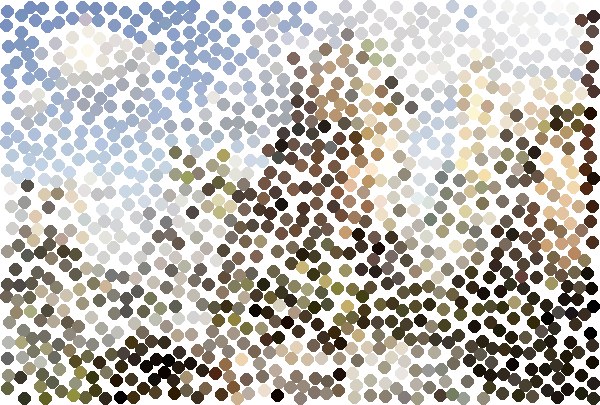
Pointillize — a Photo-to-Dots Filter
A short Python 3 + OpenCV script that turns a photo into a pointillism-style image — a scatter of non-overlapping coloured dots, each sampled from the source.
Step 1Define
What It Had to Do
- LookRound dots that never overlap, on a white canvas
- ColourEach dot takes the colour of the source pixel at its centre
- SizeOutput at the source image’s full resolution
- ControlDot radius and number of attempts set from the command line
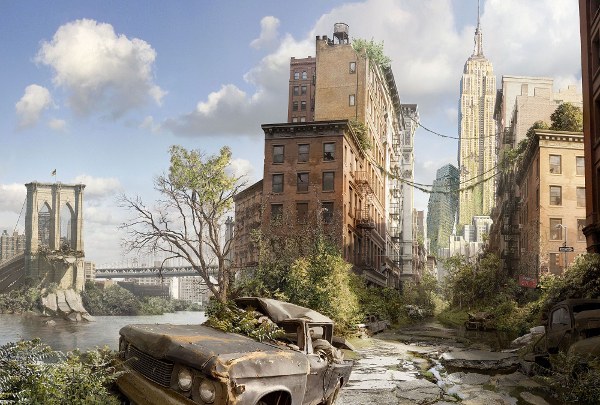
Source photo and the pointillized output (radius 6).
Step 3Build
How It Works
The output starts as a white canvas and gains one dot at a time:
- Pick a random pixel
(row, col)in the source. - Sample its colour.
- Try to stamp a filled circle of the chosen radius there.
- Keep it only if it does not touch any dot already placed.
- Repeat for a set number of attempts.
The collision test is the neat part: instead of comparing pixel lists, the candidate circle's mask is XOR‑ed against a running mask of every dot placed so far, using the candidate itself as the operation mask. If the result still equals the candidate mask, nothing overlapped and the dot is accepted.
Because circles can never overlap, the canvas saturates and later attempts are mostly rejected — the dot density plateaus on its own, which is what gives the hand‑stippled look rather than a solid mosaic.
Usage
python3 pointillize.py --image ./images/01.jpg --radius 10 --cycles 20 --debug True| Flag | Meaning |
|---|---|
--image | path to the source image |
--radius | dot radius, pixels |
--cycles | number of placement attempts (not dots placed) |
--debug | True / False |
Needs Python 3, opencv-python and numpy; the result is written to resultado.png.
Step 4Test
Another Example
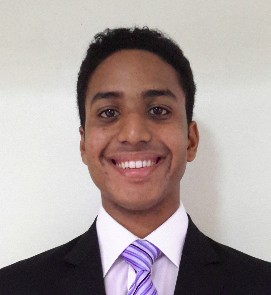
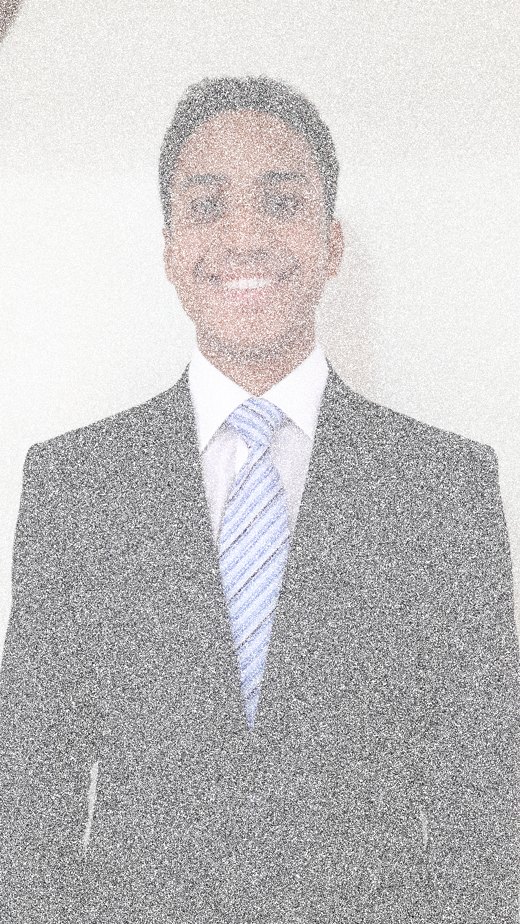
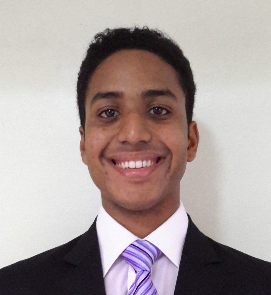
A portrait at a small radius — the effect becomes a fine grain.
What the Run Log Shows
I logged every test run to the console (nohup.out, with --debug True), recording each attempt and whether its dot was kept. The portrait above is the output of the longest run in it: 1,000,000 attempts on the full 1836×3264 photo, which placed 473,500 dots. The share of attempts that still found free space fell steadily as the canvas filled:
| Attempts so far | Dots placed | Kept, over the last 1,000 attempts |
|---|---|---|
| 1,000 | 999 | 99.9% |
| 10,000 | 9,901 | 97.9% |
| 100,000 | 90,217 | 83.4% |
| 500,000 | 322,638 | 41.6% |
| 1,000,000 | 473,500 | 21.4% |
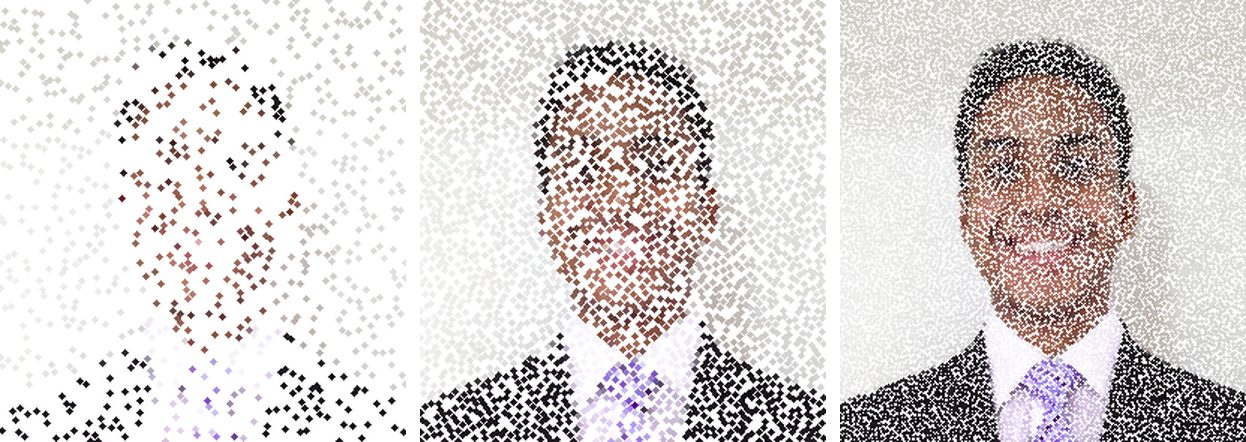
The 271×295 portrait crop after 1,000, 10,000 and 1,000,000 attempts.
- With a small radius you need tens of thousands of attempts to cover a photo, since
--cyclescounts tries, not hits.
Step 5Refine
A Faster Collision Check
The first version of the script (23 October 2017) checked each candidate dot pixel by pixel: it scanned the whole candidate image in Python to list the circle’s pixels, then compared every one of them against the stored pixel list of every dot already placed, so each attempt got slower as dots piled up. Later the same day I replaced that with the mask test described under How It Works: one running mask of all placed dots, checked with a single cv2.bitwise_xor per attempt.
- An earlier per‑pixel collision function is still in the file but unused — the mask‑XOR approach replaced it.
Posted In:
Computer Vision